Structured data is easiest to maintain when it is treated as a description of a page, not a decorative code snippet. JSON-LD can be valid JSON while still describing the wrong thing, using a property that does not apply, or making a claim the visible page cannot support. This workflow separates those problems before a change goes live.
1. Define the page’s real-world subject first
Before writing markup, answer one question in plain language: what is this page primarily about? A company home page, an article, a product, a local business location, and a how-to page are different subjects. Do not add every possible Schema.org type just because a template makes it easy. The markup should match the main content a visitor can see.
For example, an article about redirect testing may legitimately identify an Article with its headline, date, and publisher. It should not claim to be a Product, FAQPage, or a professional service unless the visible page genuinely provides those things. Start with the smallest accurate description and expand only when a property is supported by the page.
2. Check JSON syntax separately from schema meaning
First, make sure the payload is valid JSON. A missing comma, a trailing comma, an unescaped quotation mark, or a duplicate key can break parsing before schema rules are even considered. Paste the raw payload into the JSON Validator or format it with the JSON Beautifier to make the structure readable.
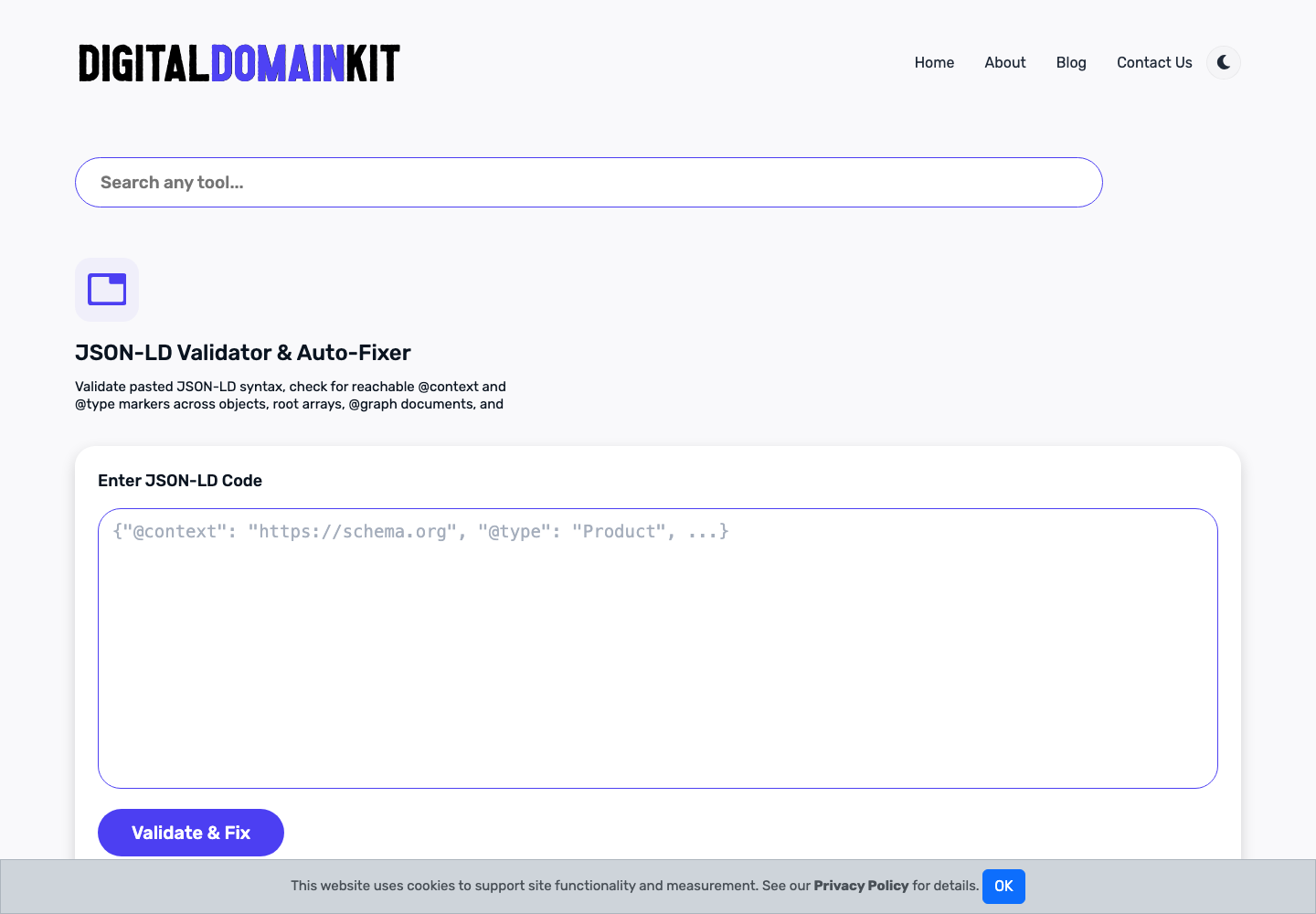
Then check whether the names and values form a coherent graph. The JSON-LD Validator can help surface structural problems, while the Schema.org Entity Relationship Visualizer makes it easier to inspect relationships such as publisher, author, organization, and main entity. These tools help review the data; the page owner remains responsible for accuracy.
3. Keep the visible page and markup aligned
Use a simple alignment test. For every important statement in JSON-LD, ask where a visitor can find the same information on the page. If markup says an article was written by a named author, the page should identify that author. If markup includes a price, availability, rating, or event time, those details need a clear and current visible basis.
This is especially important for templates. A template may keep an old date, an internal placeholder, or an organization name after a migration. The payload can still validate while giving search engines contradictory information. Review the rendered page and the page source together after each important template change.
4. Use a small, inspectable example
{
  "@context": "https://schema.org",
  "@type": "Article",
  "headline": "A Practical Pre-Publish Website Check",
  "datePublished": "2026-10-05",
  "publisher": {
    "@type": "Organization",
    "name": "Digital Domain Kit"
  }
}
This example is intentionally limited. It does not add an author, image, review rating, or FAQ merely to make the object longer. Add those properties only when they are accurate, visible where appropriate, and maintained over time.
5. Test the rendered implementation
After publishing, retrieve the actual public URL and inspect the HTML response rather than relying only on a CMS preview. Confirm that the intended script is present once, that it contains the current values, and that canonical redirects have not sent the page elsewhere. If a site renders content in the browser, test the final rendered DOM as well as the server response.
Google’s Rich Results Test is useful where a supported rich-result type is involved. Passing a test is not a promise of a rich result; eligibility, policy, and page quality still matter. For vocabulary and property meanings, consult Schema.org and the relevant Google Search documentation.
6. Make review repeatable
Keep a short change record: page URL, schema type, why it matches the page, fields reviewed, and date checked. That record matters when a template changes or a page is updated months later. Structured data is durable only when it is maintained as part of ordinary editorial and technical work.
Use an inventory before editing templates
Make a simple inventory of the templates that emit structured data: home page, articles, products, profiles, category pages, and any landing-page builder. For each template, note the JSON-LD type, the fields populated automatically, the fields entered by an editor, and the page URL where it appears. This exposes copy-and-paste markup that may be valid but irrelevant, such as an organization object reused on every page without a clear connection to the page subject.
The inventory also helps prevent duplicate entities. A page can contain more than one JSON-LD script, but multiple conflicting descriptions of the same article, product, or organization make maintenance difficult. Where one entity is described in several places, use a stable identifier only when you understand the relationship and can maintain it. Simplicity is usually safer than a large graph assembled from unrelated examples.
Review dates, names, and URLs as editorial facts
Dates are easy to automate and easy to get wrong. A template may use the current deployment date when the page was actually published earlier, or retain an old update date after a substantial revision. Use publication and modification dates only when they describe real editorial events. The same rule applies to author names, organization names, images, and URLs. If the visible page does not identify a named author, do not introduce one in markup solely to satisfy a checklist.
URLs should be canonical public URLs, not preview links, staging hostnames, tracking URLs, or route aliases. When a page moves, update both the canonical element and relevant JSON-LD references as part of the same release. Markup that points to an obsolete address makes later debugging much harder because the page can appear to work while its machine-readable references disagree.
Handle common JSON-LD failure cases deliberately
Invalid JSON is only the first failure case. Another common issue is a correctly formatted value with the wrong data type: a text string where an object is expected, a date without a valid format, or a number represented as a human sentence. A third is a context or type that cannot be resolved because of a typo or an unsupported combination. Formatting tools can make these issues visible, but they cannot prove that a claim is true.
Be cautious with generated “auto-fix” behavior. An automatic formatting or repair step may make a payload parse, but it cannot choose the truthful author, price, rating, or page type for you. Review any changed field before copying the result to production. For sensitive fields, keep the source of truth in the CMS or application configuration and generate markup from that source rather than maintaining a second manual copy.
Test one change at a time
When markup changes are bundled with a redesign, a migration, and a content rewrite, it becomes difficult to identify the cause of a problem. Test the existing page first, make the smallest necessary change, and test again. Capture the before-and-after payloads in the release notes. This is particularly valuable for JSON-LD graphs that include nested objects or reusable organization data.
After deployment, fetch the public URL again and inspect the rendered HTML. Confirm that the markup has not been escaped into visible text, stripped by a sanitizer, duplicated by a plugin, or replaced with a stale cached version. If the site uses a cache or CDN, test after the public cache is updated, not only in the administration interface.
Measure success honestly
Valid structured data improves clarity for systems that read it; it does not create a guarantee of indexing, rankings, or rich-result display. Keep the visible page useful even if structured data is ignored. The durable measure is whether a visitor and a machine receive the same accurate understanding of the page. That standard prevents schema work from becoming a cosmetic checklist and makes future maintenance much easier.
Build a review checklist around the page, not the vocabulary
Before approving a payload, review the page title, main heading, canonical URL, visible date, visible publisher or author information where applicable, and any fact represented in the markup. This keeps the review grounded in the thing users will see. A long list of Schema.org properties is not a substitute for confirming the page’s basic identity and purpose.
For team workflows, assign ownership clearly. A developer may own the template, an editor may own the article facts, and a site operator may own organization details. The reviewer should be able to tell which source supplied each important value. That shared responsibility reduces the chance that a field stays wrong because every person assumes someone else maintains it.
Keep a small regression sample
Select a few representative URLs for each major template and test them after template, plugin, or deployment changes. Include at least one page with a minimal payload and one with the most complex supported payload. Compare the public response with the expected structured data and note changes. A small, maintained regression set is more useful than an occasional audit of hundreds of pages with no baseline.