DNS changes often feel unpredictable because several systems can hold an answer at once: the authoritative nameserver, recursive resolvers, browser caches, operating-system caches, and a CDN. “It has not propagated” is sometimes true, but it can also hide an incorrect record, a wrong hostname, or a cached response. A written sequence makes those cases easier to separate.
Before the change: identify the exact record and desired answer
Record the domain name, record type, current value, intended value, TTL, DNS provider, and reason for the change. Be precise about the hostname. example.com and www.example.com are different names; a change to one does not automatically change the other.
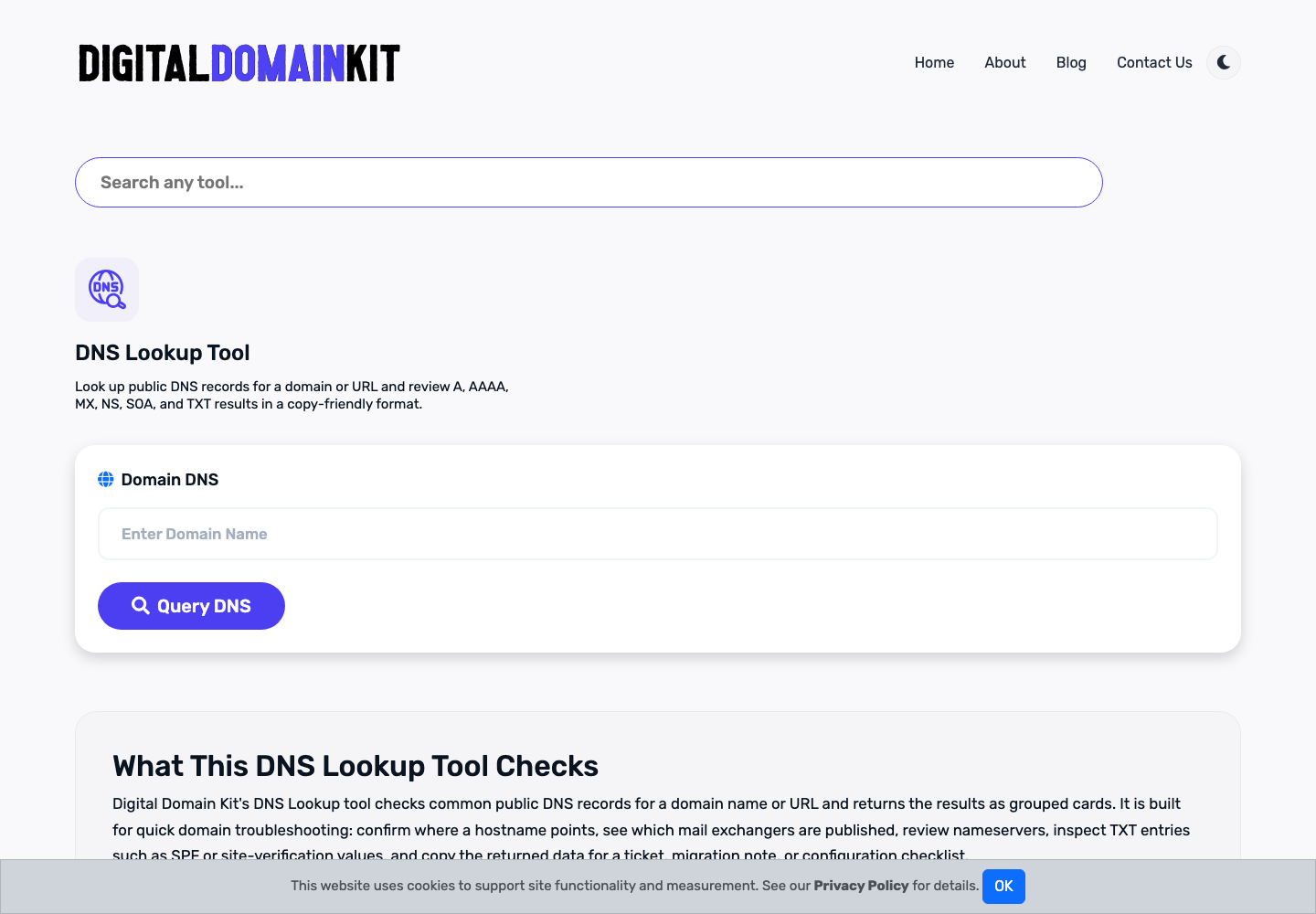
Use the DNS Lookup Tool to capture the current public answer before making a change. For a web migration, also save the current redirect behavior and certificate details. That baseline makes it possible to roll back a mistaken record rather than reconstructing it from memory.
Understand what TTL can and cannot promise
TTL is a cache lifetime published with a DNS response. Lowering it before a planned migration can reduce how long some resolvers keep an old answer, but it does not force every cache on the internet to refresh immediately. Existing resolvers may continue using the earlier TTL until the response they already cached expires.
Use a TTL that fits the risk of the change and your ability to monitor it. Do not repeatedly edit a record just because a public resolver has not changed yet; first check whether the authoritative record is correct. Repeated changes create ambiguity and can extend the troubleshooting window.
Make one controlled change
Update the intended record at the authoritative DNS provider, then confirm the provider saved exactly what you entered. Common mistakes include an extra domain suffix, the wrong record type, a stale CNAME left beside an A record, an incorrect mail priority, or changing a record in a dashboard that is not actually authoritative for the domain.
For email-related records, preserve the provider’s exact syntax and avoid using a generic web-record example. For an address record, verify the IPv4 or IPv6 value. For a CNAME, verify that the destination is the correct hostname and that it resolves. For TXT records, preserve quotation and spacing requirements from the service that supplied the record.
Verify at more than one layer
Start with the DNS Propagation Check to compare responses from multiple locations. Treat it as a diagnostic snapshot, not proof that every user has changed. Then use the Hostname to IP Lookup and the Website Status Checker to connect the DNS answer to an actual public web response.
If the destination hosts HTTPS, check it with the SSL Checker. DNS may be correct while the certificate is missing the new hostname. Finally, run the Redirect Checker against the old and new hostnames so that visitors are not left at an unexpected location.
Know the difference between a DNS problem and an application problem
A successful DNS lookup only says that a name resolved to an answer. It does not prove that the web server is configured for that host, that the application recognizes the domain, or that the page returns useful content. If DNS reports the expected address but the site returns a default server page, certificate error, 404, or redirect loop, move the investigation to the web-server and application layers.
Close the change with a record
When the result is stable, save the final record value, TTL, time of change, tests performed, and any follow-up work. This is particularly useful for migrations, email authentication changes, and incident response. The next person troubleshooting the domain should be able to see what changed and why.
For DNS concepts and record behavior, consult the documentation of your authoritative DNS provider and the relevant IETF RFCs. This checklist is operational guidance; it cannot account for every provider-specific configuration or cache.
Check delegation before changing a record
Before editing a dashboard, verify which nameservers are authoritative for the domain. A registrar account, a DNS provider, a CDN, and a hosting company may all offer DNS screens, but only the delegated nameservers control the public answer. Editing a zone in the wrong account creates a convincing local record with no effect on the internet.
Confirm the delegation at the domain level and compare it with the provider you intend to use. If a migration includes changing nameservers, treat it as a separate change from editing individual records. A nameserver move can affect every record in the zone, including mail, verification, and subdomains. Export or document the complete existing zone before making that type of change.
Use a change window and rollback plan
For a production site, decide who is monitoring the result, how long the change window is, and what value restores the previous working state. Keep the old record values, not just a screenshot of a dashboard. If the change supports a launch, make sure the web server, application, and certificate are ready before the DNS record points traffic at them.
A rollback is not always as immediate as clicking “undo.” Resolvers may have cached the new answer just as others continue using the old answer. That is why a clearly documented previous value and TTL matter. If a change fails, restore the known good record once, record the time, and investigate the underlying mismatch instead of repeatedly switching between values.
Verify mail separately from web traffic
Website work often changes A, AAAA, CNAME, or CDN-related records, but a broad DNS edit can accidentally remove mail records. Before and after the change, review MX, SPF, DKIM, and DMARC records where the domain sends or receives email. An apparently successful web migration can still interrupt mail delivery if the zone was copied incompletely.
Do not guess at email-record syntax. Copy the exact value supplied by the mail provider and preserve record type, host, priority, and quoting requirements. After a mail-related change, verify the published record and send controlled test messages through normal mail clients. A lookup confirms publication; it does not prove that a receiving provider will accept every message.
Interpret inconsistent answers carefully
Different public resolvers can show different results during a change window. That does not automatically mean a provider is malfunctioning. Compare the answer, record type, TTL, and nameserver used. If every resolver shows the old record beyond a reasonable cache interval, check the authoritative zone. If some show a new address but the website fails, check the destination host and TLS configuration.
Browser behavior can add another layer of confusion. A browser may cache DNS, cache an HTTPS policy, or reuse a connection. Test in a private window or another network when a result seems inconsistent, but document the environment rather than assuming the browser is wrong. The objective is to identify which layer supplied the unexpected answer.
Protect the zone after the change
DNS is an important account-security boundary. Use least-privilege access where the provider supports it, protect administrator accounts with strong authentication, and review who can change nameservers or records. Keep recovery contacts current at the registrar. A clean change process includes preventing an unauthorized change as well as verifying an authorized one.
After the record is stable, set a maintenance reminder for certificate renewals, domain renewal, and the next planned review of critical DNS entries. This closes the loop between a one-time migration and reliable ongoing operation. DNS is most manageable when it is treated as a maintained system, not a setting that is configured once and forgotten.
Document dependencies before a migration
List the services that depend on the domain before moving DNS: website hosting, CDN, transactional mail, support mail, verification records, analytics integrations, subdomains, and any API callback endpoints. A record that looks unused may support a service outside the primary website. This dependency list helps decide whether the change can be made in one window or should be divided into smaller, testable steps.
For each dependency, note the hostname, record type, provider, expected value, and how success will be tested. This makes an emergency rollback more reliable and makes it easier to hand the task to another maintainer. It also identifies records that should not be copied blindly, such as provider-specific verification tokens or old addresses that are intentionally being retired.
Use monitoring after the initial checks
Initial lookup tests are a starting point, not the end of verification. Monitor the important public endpoint during and after the change window, watch certificate and application errors, and check the services named in the dependency list. If the domain supports a business process, tell affected people when the change starts and when it is stable. Clear communication prevents normal cache variation from being mistaken for an unexplained outage.
Example sequence for a web-host move
Suppose a site is moving from one hosting platform to another. First, collect the current A, AAAA, CNAME, MX, TXT, and CAA records. Confirm which nameservers are public, lower the relevant TTL in advance if the provider supports it, and deploy the new site under the intended hostname before routing live traffic. Test the new host directly through its provider-approved preview method; do not rely on a local hosts-file change as the only proof because it can hide proxy, certificate, and virtual-host issues.
At the agreed time, update only the record that directs web traffic. Check the authoritative result, then compare a few public resolver results. Once the new address appears, load the site over HTTPS, check the redirect path from both hostname variants, and confirm a representative page returns useful content. Keep the old host available during the cache window where practical. That preserves a rollback option and avoids turning a small record error into a prolonged outage.
Example sequence for a verification record
Verification records such as a provider-supplied TXT value need different handling. Copy the exact host and value supplied by the service, including any underscore prefix. Verify it is published at the intended name, then allow the service to perform its own check. Do not replace a working verification record with a similar-looking value from another environment. Keep a note of which service owns the record so future cleanup does not remove a still-needed integration.