HTTP response headers are small pieces of metadata sent with a page or API response. Some influence how a browser handles transport security, embedded content, scripts, referrer information, and other behaviors. Because header scanners can produce a quick checklist, it is easy to mistake a green score for a security conclusion. That is not what a header review can provide.
A responsible header review is a configuration-maintenance task for a website you own or are authorized to administer. It asks: what does this public response currently declare, is that declaration appropriate for this application, and can we safely test a change? It does not establish that an application has no vulnerabilities, and it is not permission to inspect systems outside your scope.
Start with the response you actually serve
Headers can differ by hostname, path, status code, CDN location, logged-in state, and whether a response comes from an application or a static asset server. Begin with a small set of representative public URLs: the home page, a typical content page, a form or tool page, and perhaps a 404 response. Write down the host, time, protocol, and whether a proxy or CDN is involved.
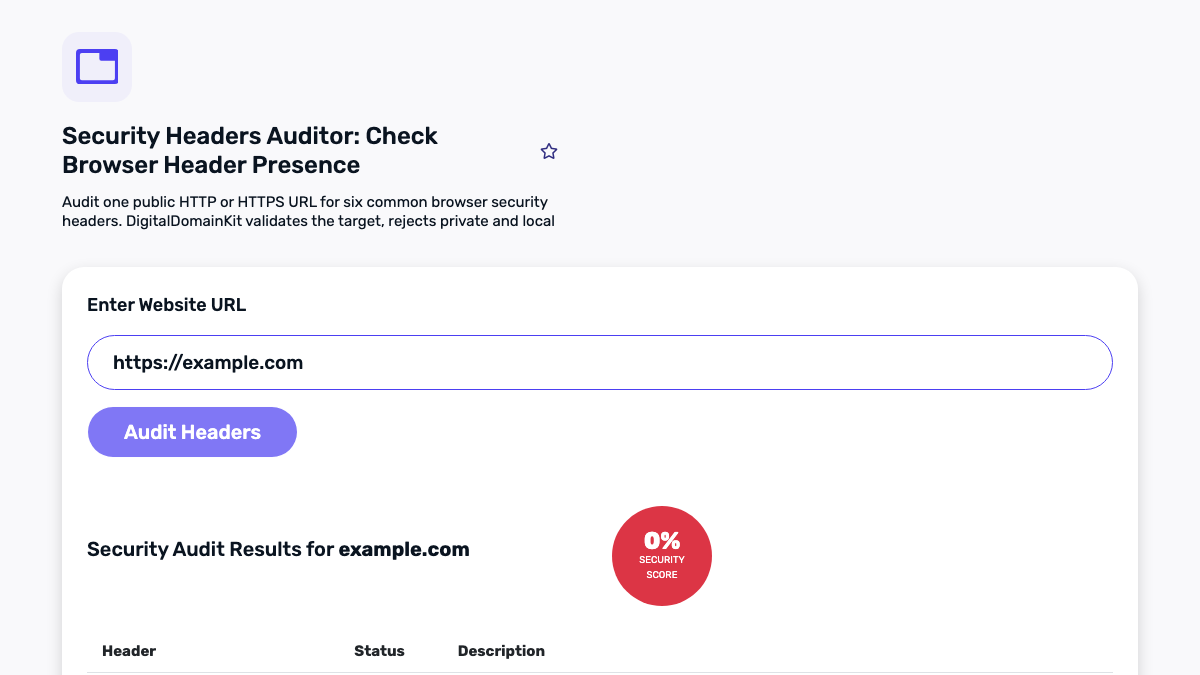
Use the Security Headers Auditor to review a public URL you operate, and use the HTTP Headers Parser when you want to read a copied header block more slowly. These tools surface names and values; the service owner must decide whether each setting fits the application.

Transport security: HTTPS and HSTS
Strict-Transport-Security, often called HSTS, tells supporting browsers to prefer HTTPS for a period of time after they receive the header over HTTPS. It can reduce accidental downgrade paths, but it needs careful rollout. If a site has subdomains that are not ready for HTTPS, applying a broad policy with includeSubDomains can cause availability problems for those hosts.
The MDN reference for Strict-Transport-Security explains that browsers ignore the header when it is delivered over plain HTTP, which is one reason redirect behavior and HTTPS delivery should be reviewed together. Start with the exact host you operate, confirm that HTTPS works consistently, test a short max-age in a non-production environment where possible, and expand only after you understand the hostname inventory.
HSTS does not replace certificate maintenance, secure redirects, or application authorization. It is one layer in a wider operational picture.
Content Security Policy: powerful, but application-specific
Content-Security-Policy (CSP) allows a site to define permitted sources for scripts, styles, images, frames, connections, and other content types. A well-fitted policy can reduce the impact of some injection mistakes, but a copied policy can break analytics, payment widgets, embedded video, tool workers, or legitimate inline behavior.
The Content Security Policy specification and browser documentation are useful references, but deployment still needs application knowledge. Inventory your scripts, styles, font providers, API endpoints, image hosts, and embedded services. Then begin with a report-only policy where your platform supports it, observe genuine violations, and adjust deliberately. Do not silently add broad wildcards or unsafe allowances just to eliminate reports; that can erase the protection you intended to create.
For a tool site, pay special attention to client-side libraries, web workers, user-provided input handling, and any third-party resources. A CSP change should be tested through the real workflows visitors use, not only on the homepage.
Embedding protections: frame-ancestors and X-Frame-Options
Clickjacking protections control whether other sites can embed your pages in frames. Modern CSP uses the frame-ancestors directive for this purpose. Older deployments may also send X-Frame-Options. The right setting depends on whether you intentionally support embedded pages, partner portals, or documentation integrations.
Before setting a deny-all rule, identify pages that are intentionally framed. If none exist, a restrictive policy can be sensible. If some do, document the approved parent origins rather than relying on a vague exception. Test login, checkout, support widgets, and embedded integrations after deployment because framing behavior often appears only in those journeys.
Referrer, MIME type, and browser permissions
Referrer-Policy controls how much referring URL information a browser sends when navigating or loading subresources. It is a privacy and compatibility decision: more restrictive values can reduce URL leakage, while some integrations expect referrer information. The MDN Referrer-Policy reference describes the available behavior.
X-Content-Type-Options: nosniff asks browsers not to guess a different content type from the one declared. It is typically a straightforward header, but you should still make sure static files have correct server-provided MIME types. If a stylesheet or script has an incorrect type, adding the header can reveal the underlying configuration issue.
Permissions-Policy lets a site control access to selected browser features, such as camera, microphone, geolocation, or fullscreen. The appropriate policy follows from the features your pages genuinely use. Do not copy a configuration blindly: a site that offers an image capture workflow has different needs from a static blog.
Headers that are not a security strategy
Some older headers are frequently shown by automated scans, including X-XSS-Protection. Modern browser guidance has changed over time, and the value of a particular legacy header depends on browser support and side effects. Avoid adding obsolete headers merely to improve a scanner score. Focus on current browser behavior, secure coding, dependency maintenance, access control, logging, and a policy you can explain.
Likewise, removing server-identifying headers can reduce casual information exposure, but it does not patch a vulnerability. Treat it as a hygiene decision, not a substitute for updates or a web application firewall.
Check the whole delivery path
A browser receives the combined result of several systems. A CDN can add one header, a reverse proxy can replace it, the application can set a different value on an error response, and a static-file host can omit it altogether. For that reason, do not stop after checking one successful page load. Compare a small, representative set of responses: the homepage, a normal content page, a tool interaction, a missing page, and a static asset where the header matters. Record the exact URL and status with the result so a later reviewer can reproduce the observation.
Differences are not automatically defects. A download endpoint may need a different content disposition; an API response may have a narrower CSP than an HTML document; a third-party-hosted asset may be governed by a separate configuration. The useful question is whether each difference is intentional, understood by its owner, and tested against the visitor workflow. If two layers disagree unexpectedly, fix the ownership first rather than repeatedly adding headers until a scanner’s output changes.
Keep the baseline with the release record. A short before-and-after comparison makes it possible to confirm what changed, identify an accidental regression, and roll back a narrowly scoped change if it affects production behavior. This also gives support and engineering teams a practical source of truth when an integration starts failing after an infrastructure update.
A controlled change workflow
Header changes are configuration changes and deserve a release process. The following sequence helps reduce surprises:
- Capture a baseline. Save response headers for representative production URLs with the date and deployment identifier.
- State the purpose. For each change, identify the browser behavior you intend to enable or restrict. “Improve score” is not a sufficient purpose.
- Identify the owning layer. The header may be set by the application, reverse proxy, CDN, hosting control panel, or multiple layers. Change it where ownership is clear.
- Test in a safe environment. Verify regular navigation, forms, client-side tools, embedded services, and error pages. Use a report-only CSP where appropriate.
- Deploy narrowly. Start with a precise host or path policy when a broad setting could affect unrelated services.
- Recheck the live response. Confirm the exact intended value reaches the browser and was not overwritten by another layer.
- Document exceptions. Record any required third-party source, embedded origin, or temporary compatibility exception with an owner and review date.
How to interpret an audit result
A missing header may be worth investigating, or it may be appropriate for the page. A header with a seemingly strong value can still be ineffective if it is delivered only on one path, conflicts with application behavior, or is missing from a different host. Use an audit as a prioritized review list:
- Does the response use HTTPS and redirect HTTP appropriately?
- Is transport policy safe for the hostnames you operate?
- Can embedded, scripted, and connected resources be enumerated before restrictive controls are deployed?
- Are headers consistent across the public application, or intentionally different by section?
- Can the team monitor for breakage and roll back safely?
For more context, pair the header review with a certificate check and a redirect review. Together they describe part of the public delivery path, but they still do not replace a security assessment authorized for the application.
Keep the report honest
Write reports in evidence-based language: “the homepage response contained this header at this time,” not “the site is secure.” Note tool scope, checked URLs, deployment layer if known, and limitations. Route findings to the team that owns the configuration. If you discover an issue on a system outside your authorization, use the organization’s responsible disclosure or support channel rather than investigating further.
That discipline makes header checks genuinely useful. They become a repeatable maintenance habit that helps teams understand what their public responses say, why they say it, and how to improve them without confusing an automated score with a complete security verdict.