Before publishing a site redesign, a new documentation area, or a set of technical guides, it is tempting to treat robots.txt and an XML sitemap as a final box to tick. They deserve more care than that. These files describe different things, have different limits, and can create confusing outcomes when they disagree. A safe review process makes each file easy to inspect, avoids accidental crawl blocks, and gives search engines clear paths to the pages you actually want discovered.
This article focuses on a website you own or administer. It does not promise indexing, rankings, or immediate crawl behavior. Search engines make their own crawling and indexing decisions. What you can do is publish accurate, accessible signals and avoid introducing needless conflicts.
Two files, two jobs
A robots.txt file is served from the root of a host, such as https://www.example.com/robots.txt. It contains crawler-facing rules for paths on that host. An XML sitemap is a machine-readable list of canonical URLs you want search engines to consider. Neither is a substitute for access control, and neither is a binding command that guarantees a page will or will not appear in search.
Google’s robots.txt introduction explains that the file controls crawling, not indexing. A URL blocked from crawling can still sometimes be known from links or other signals. If a page must not be publicly available, protect it with authentication or remove it from public delivery; do not rely on a robots rule.
An XML sitemap is a discovery hint. It is most valuable for large sites, newly launched sections, pages that are not strongly linked from navigation, or sites with frequent updates. Google’s sitemap overview emphasizes that a sitemap is a way to tell search engines about URLs, not a guarantee that every URL will be crawled or indexed.
Review the intended public surface first
Do not begin by writing directives. Begin with a short list of which sections should be public and indexable. For a typical tool site, that could include the homepage, useful tool pages, editorial articles, contact information, and trust pages. Private account routes, admin screens, preview URLs, search-result filters, duplicate parameter pages, or staging hosts may require different handling.
Create a simple three-column inventory: URL pattern, intended audience, and desired search behavior. For example, /tool/ may be public and indexable; /admin/ is private and should require authentication; /search? might be crawl-limited if it creates unbounded combinations. This upstream decision prevents the most common mistake: adding a broad rule first and later discovering it blocked a valuable section.
Review robots.txt line by line
A minimal robots file is often safer than a complex one. Start by checking the host and protocol you intend to serve. A rule at one host does not automatically govern another host. Then read every User-agent, Disallow, and Allow line as if you were a crawler matching a URL against it.

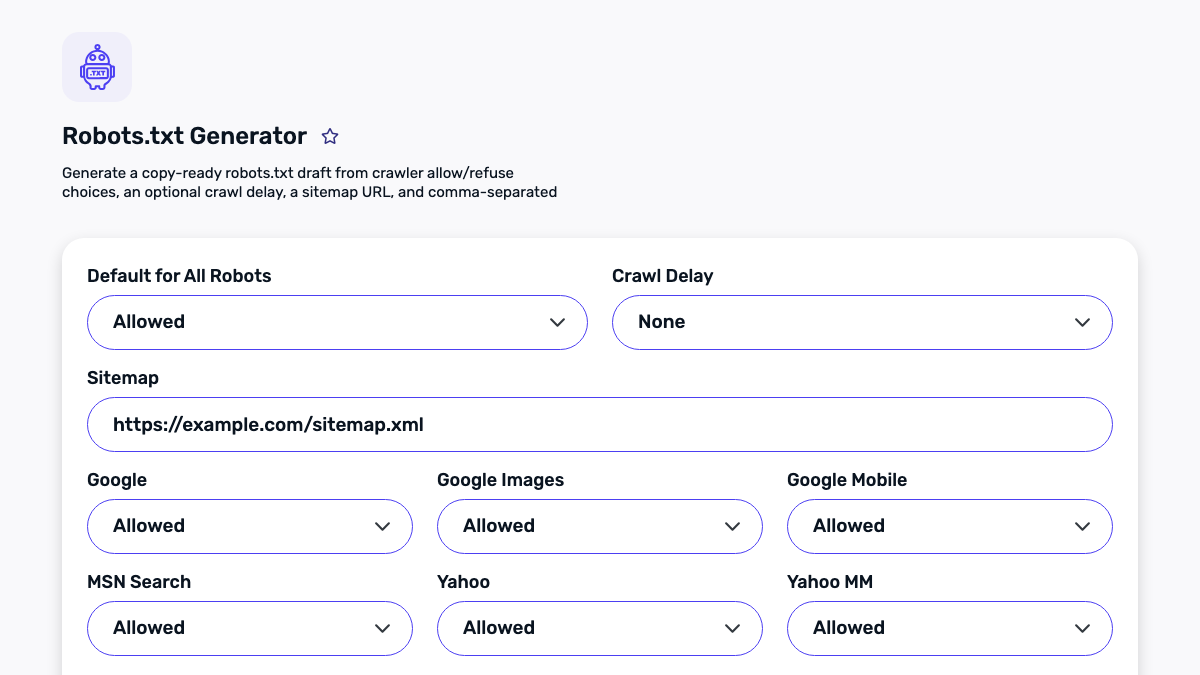
Use the Robots.txt Generator to create a readable draft, then compare it to the inventory. Ask these questions:
- Does a
Disallow: /rule appear anywhere that would apply to general crawlers? That is a site-wide crawl block and is rarely appropriate for a public production host. - Could a broad pattern such as
/blogunintentionally affect/blog-post-assets/or another desired path? - Are protected routes actually protected by authentication? A robots rule advertises a path; it does not secure it.
- Is the sitemap line an absolute, publicly reachable URL on the same intended host?
- Are old directives from a staging launch, migration, or plugin still present?
Use comments to explain non-obvious rules. Six months later, a short explanation such as “block internal filtered search combinations” is much easier to maintain than a mysterious wildcard.
Keep crawl control separate from indexing control
It is common to want a page publicly usable but not prominent in search. That is an indexing question, not always a crawling question. In many cases, a page-level noindex directive is more appropriate than blocking the crawler, because the crawler needs to access the page to see that directive. Google’s guidance on preventing indexing details this distinction.
For duplicate content, first consider whether a canonical URL, a redirect, or a product decision would solve the problem more cleanly. A sitemap should normally list the canonical version you want to represent, not every parameterized variation, pagination filter, or redirected legacy URL.
Test the files as a crawler would receive them
After editing, retrieve the production URLs directly in a fresh browser session or with a standard HTTP request. Confirm that /robots.txt is served as ordinary public text and that /sitemap.xml is valid XML rather than an application error page, login screen, redirect loop, or cached development response. A file can look correct in a repository while a proxy rule, stale deployment, wrong hostname, or cache still serves something else to the public.
Then sample real URLs, not only the home page. Pick one current tool, one editorial article, one policy page, and one URL that should remain private. For the public examples, verify that the canonical URL returns the expected success response and appears in the sitemap only when it is genuinely published. For the private example, verify access control first; a robots directive does not prevent somebody who knows the address from requesting it. This small test set catches broad patterns that a line-by-line reading can miss.
Pay attention to environment boundaries. Staging and preview hosts should not be casually listed in a production sitemap, and a robots file copied from staging can be damaging if it includes a broad crawl block. Conversely, a production file copied into a temporary environment can invite unwanted discovery of material that was never intended to be public. Keep host-specific configuration explicit, and make the preferred production host visible in the deployment checklist.
Finally, review the change with a person who did not make it. Ask them to name the public sections, explain any exclusions, and locate the sitemap entry for one published article. If the answer requires tribal knowledge or a chain of undocumented exceptions, simplify the configuration before release. Crawl control is most dependable when it is understandable by the next maintainer, not only by the person who last touched the file.
Build an XML sitemap from canonical URLs
Use your CMS or deployment process as the source of truth whenever possible. The sitemap should contain absolute, canonical URLs that return a successful public response and represent content you intend to maintain. Do not use it as a dumping ground for every route in the application.
The Sitemap Generator can help create a starting file, and the Sitemap Visualizer can make a generated structure easier to inspect. Before publishing, sample URLs from each section and check:
- The URL uses the preferred HTTPS host and canonical path.
- It responds without a redirect loop or error.
- It is not blocked by a rule you just added.
- Its visible page title, main content, and canonical signal agree with the sitemap entry.
- It is not an admin page, an account page, a thin internal search page, or an unfinished draft.
For very large sites, sitemaps may be split into a sitemap index and multiple section files. The same principle applies: organize by real content area, keep entries current, and remove URLs when the associated content is intentionally retired.
Use accurate dates or omit them
The optional lastmod field is useful only when it reflects a meaningful change to the page. Do not update every date on every deployment merely to make a sitemap look fresh. Search systems can detect noisy timestamps, and inaccurate dates make maintenance harder for your own team. If your publishing system cannot provide a trustworthy modification time, omitting the field is better than inventing one.
Likewise, do not backdate a new article to make a site appear older. The public page, structured data, database record, and sitemap should agree with genuine publication and update history.
A low-risk release checklist
Run the following before and after a release. It works for a small site and scales well when written into a deployment checklist.
- Save a copy of the prior robots and sitemap files so changes can be compared.
- Confirm the production host, preferred protocol, and canonical URL convention.
- Compare robots directives to the public-surface inventory.
- Generate or update the sitemap from published, canonical content only.
- Validate XML syntax and sample URLs from every major section.
- Confirm
/robots.txtand/sitemap.xmlare publicly reachable with the expected content type. - Use the HTTP Status Code Checker or a browser request to spot-check status responses.
- Record the deploy date, reviewer, and any intentionally excluded areas.
Common problems and calmer fixes
“Our new pages are not in the sitemap.” Check whether they are published in the CMS, marked as indexable, and included by the sitemap’s source query. Do not manually add unpublished drafts just to fill a list.
“A private path is in the sitemap.” Remove it from the sitemap source and verify authentication. Adding a robots disallow alone is not a privacy repair.
“A URL redirects.” Prefer placing only the final canonical destination in the sitemap. Keep the redirect for users and old links where it serves a real migration purpose.
“Search behavior did not change immediately.” Crawling and indexing have their own timelines. Check your published signals for correctness, then allow normal recrawling rather than changing directives repeatedly.
Make maintenance part of publishing
The strongest implementation is not a one-time technical cleanup. Connect sitemap generation to real publication events, and review robots changes through the same process used for application configuration. When a new guide goes live, its canonical URL should enter the sitemap because it is genuinely published. When a guide is removed, the sitemap should stop advertising it. When a private area is introduced, access control should come first.
This approach keeps the two files useful to both visitors and crawlers: robots.txt communicates deliberate crawl boundaries, and the XML sitemap presents a maintained view of the content you stand behind.