Buying a domain is usually a five-minute job. Choosing the place that will hold the keys to it deserves a little more care.
That sounds dramatic, but your domain is the switchboard for your website, email, verification records, and future moves. When something needs changing, you want a clean DNS screen, a sensible security setup, and renewal information that does not make you squint at checkout.
This guide is for someone starting a small business site, portfolio, side project, or new product. It is not a “this registrar is always best” list. The right answer depends on the extension you need, where you want DNS hosted, and how comfortable you are making a few DNS changes.
The short version
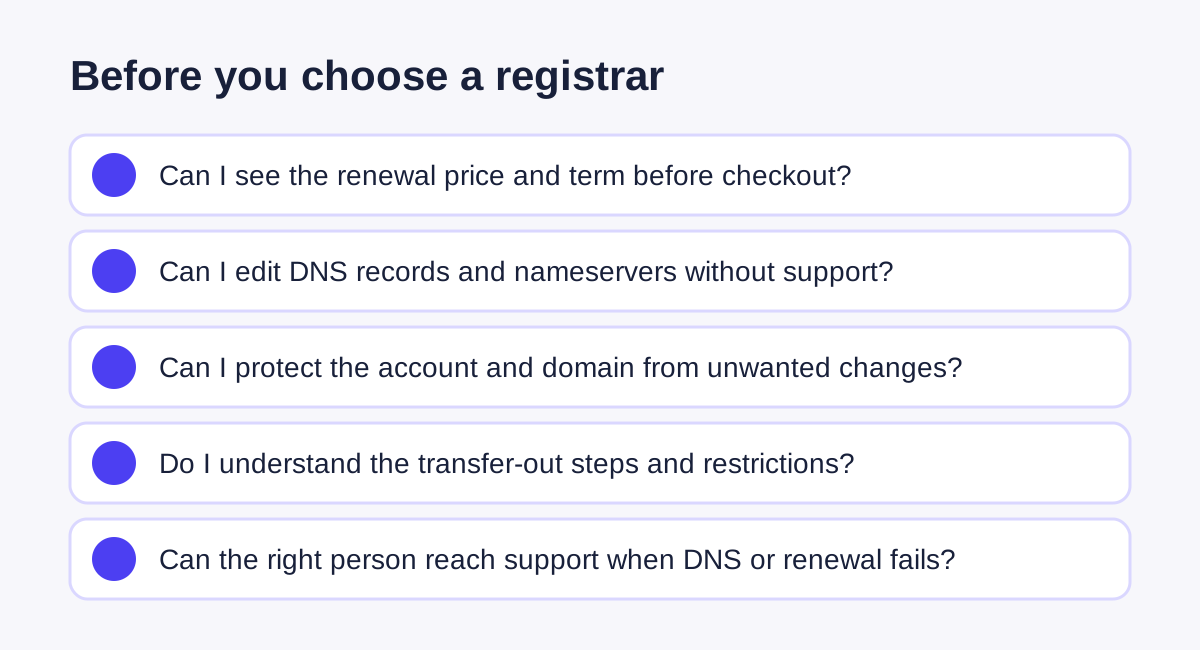
Choose a registrar that can do these boring-but-important things well:
- Show the renewal price and term before you buy.
- Let you control DNS records, nameservers, auto-renewal, and transfer lock without needing support.
- Support privacy where the extension allows it.
- Offer two-factor authentication and a recovery process you understand.
- Make it possible to move the domain later.
The name itself still matters more than the checkout screen. Pick something you can say out loud, spell once, and keep for a while. A short .com is convenient, but it is not a requirement. A relevant extension can be fine if it makes the name clearer and you understand its renewal rules.
First, separate the three jobs people mix together
Here is the part that trips people up: the company where you register a domain does not have to be your web host or your DNS provider.
| Job | What it controls | Example question |
|---|---|---|
| Registrar | Legal registration, renewal, transfer lock, nameservers | “Who can renew or transfer mydomain.com?” |
| DNS host | A, CNAME, MX, TXT, and other public records | “Where do I point the site and email?” |
| Web/email host | The actual website or mailbox service | “Where does the site or email live?” |
Keeping those jobs separate is normal. For example, a domain can be registered at one company while DNS is hosted somewhere else and the website lives with a third provider. It is flexible, but it also means you should write down which account owns which piece before you start changing records.
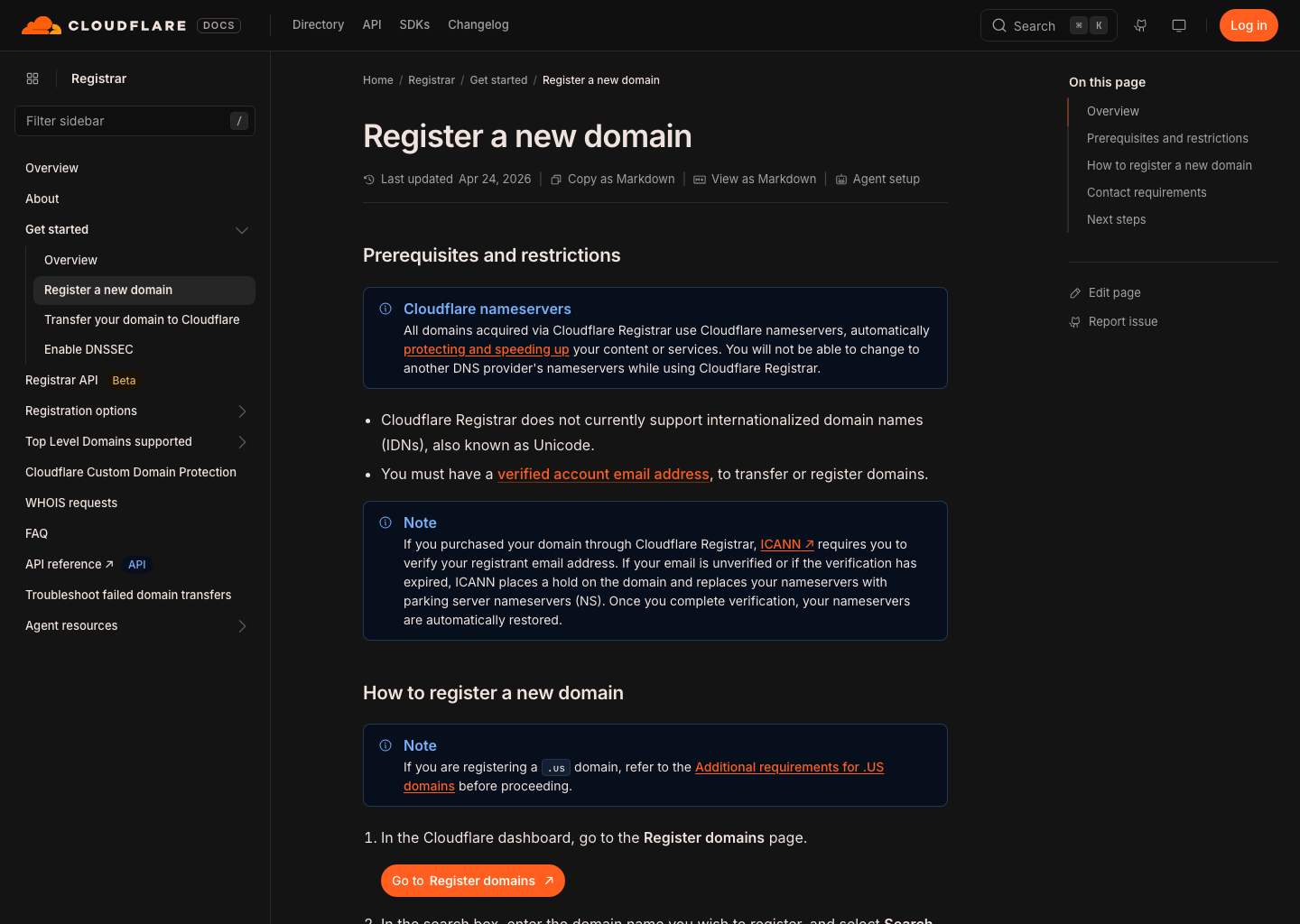
Cloudflare’s documentation explains that authoritative nameservers hold the definitive DNS answers for a domain. It also notes an important limitation: domains bought through Cloudflare Registrar use Cloudflare nameservers, so moving DNS elsewhere requires a registrar transfer. That may be perfectly fine for a Cloudflare-focused setup; it is simply a choice to make with your eyes open. Cloudflare nameserver documentation
A decision framework that does not depend on a coupon
Start by answering these five questions. It is more useful than comparing a dozen tiny features.
1. Do you need easy DNS control today?
If you are launching a basic site, you will at least need an A or CNAME record. If you will use custom email, you will also need MX and TXT records. A registrar should let the domain owner see and change those records clearly—or make it obvious that DNS is hosted somewhere else.
GoDaddy’s official developer documentation lists the common record types its DNS system can manage: A, AAAA, CNAME, MX, TXT, SRV, NS, and CAA. That does not make it the default choice for everyone; it is a useful example of the controls a capable DNS panel should expose. GoDaddy DNS record documentation
Good sign: you can find the DNS area, create a TXT record, and see current nameservers without opening a support ticket.
Pause and investigate: the purchase flow makes it hard to tell where DNS will be managed, or adds unrelated services to the cart without a clear explanation.
2. What will the renewal cost and renewal process look like?
Do not choose solely on the first-year promotion. Open the renewal page for the exact extension you want, then look at the checkout carefully. Some extensions have registry requirements or different pricing rules. Premium names are their own category and should be treated as a separate purchase decision.
Namecheap’s registration guide, for example, distinguishes available, special, taken, and premium domains, and explains that some extensions require additional details. It also shows that auto-renewal and privacy are separate settings you should review, not assumptions you should make. Namecheap: how to register a domain
Turn on auto-renewal only after making sure the billing contact and recovery email are current. Put the renewal date on a shared calendar if a business depends on the domain. A domain expiring quietly is the sort of avoidable problem nobody enjoys fixing at 11 p.m.
3. Is privacy available for this extension?
Privacy is not identical across every country-code or specialty extension. Check the exact TLD before assuming it is included. Namecheap’s privacy documentation explicitly notes that availability varies, including exceptions for some country extensions. Namecheap Domain Privacy knowledgebase
Privacy can reduce the amount of personal contact data exposed through registration lookup systems where it is supported. It does not replace account security, and it does not make a domain anonymous to the registrar or registry.
4. Can you secure the account—and recover it safely?
Enable two-factor authentication as soon as the account exists. Use a password manager. Check who receives security and transfer emails. If there is a co-founder, agency, or IT contractor, give access deliberately; do not share a single password through chat.
Also find the transfer lock setting before there is an urgent reason to use it. A registrar should make the registered owner, account email, lock state, and authorization process understandable. Keep a record of who controls the account and which email address can approve changes.
5. Will DNSSEC fit your setup?
DNSSEC adds cryptographic signatures to DNS information. It is helpful when the registrar, DNS provider, and extension support the full chain correctly, but a broken DNSSEC setup can make a domain fail to resolve. This is not a “click it because it sounds secure” setting.
Cloudflare says its Registrar offers one-click DNSSEC activation, and its guide explains that confirmation can take one to two days after first enablement. Cloudflare DNSSEC guide Namecheap’s DNSSEC documentation also makes clear that support can vary by TLD and nameserver arrangement. Namecheap DNSSEC support notes
If you do enable DNSSEC, make one change at a time and verify resolution afterward. Do not swap nameservers, change web hosting, and enable DNSSEC in the same ten-minute window.
A simple comparison worksheet
Use this table as a note-taking sheet, not as a scorecard designed to produce a winner.
| Check before buying | Why it matters | What to record |
|---|---|---|
| Exact extension | Rules and eligibility differ | .com, .org, country extension, etc. |
| First term and renewal | Promotions are temporary | Both amounts and billing period |
| DNS location | You will need it for site/email changes | Registrar DNS, host DNS, or another provider |
| Nameserver policy | It affects future flexibility | Can you use external nameservers? |
| Privacy eligibility | Depends on extension | Available, optional, or unavailable |
| Account security | Protects the switchboard | 2FA, recovery contacts, alerts |
| Transfer path | A future exit should be possible | Lock, auth code, waiting periods |
| DNSSEC compatibility | Optional, but must be coherent | Registrar + DNS host + TLD support |
Two real product examples are worth looking at only for their documented features, not as a blanket endorsement. Cloudflare says it sells supported registrations at cost and includes redacted WHOIS by default where supported; it also keeps registrations on Cloudflare nameservers. Cloudflare Registrar overview Namecheap’s documentation shows a more traditional registrar checkout with configurable privacy, auto-renewal, and nameserver settings. Namecheap registration guide
GoDaddy is another common starting point, particularly where a person wants an all-in-one account. The useful question is not whether a brand is famous; it is whether its current plan, DNS controls, renewal terms, and support fit the job you actually have. Check the live terms before purchase.
Buy the domain, then run this 20-minute handoff checklist
Once the registration completes, take a breath before connecting everything.
- Save the registrar name, login recovery contact, renewal date, and current nameservers in a private password manager note.
- Turn on two-factor authentication and auto-renewal if it matches your billing plan.
- Confirm the registrant contact email can receive messages.
- Decide where DNS will live. Do not change nameservers casually after entering email records.
- Add only the records required for the first service you are connecting.
- Verify the public result before adding the next service.
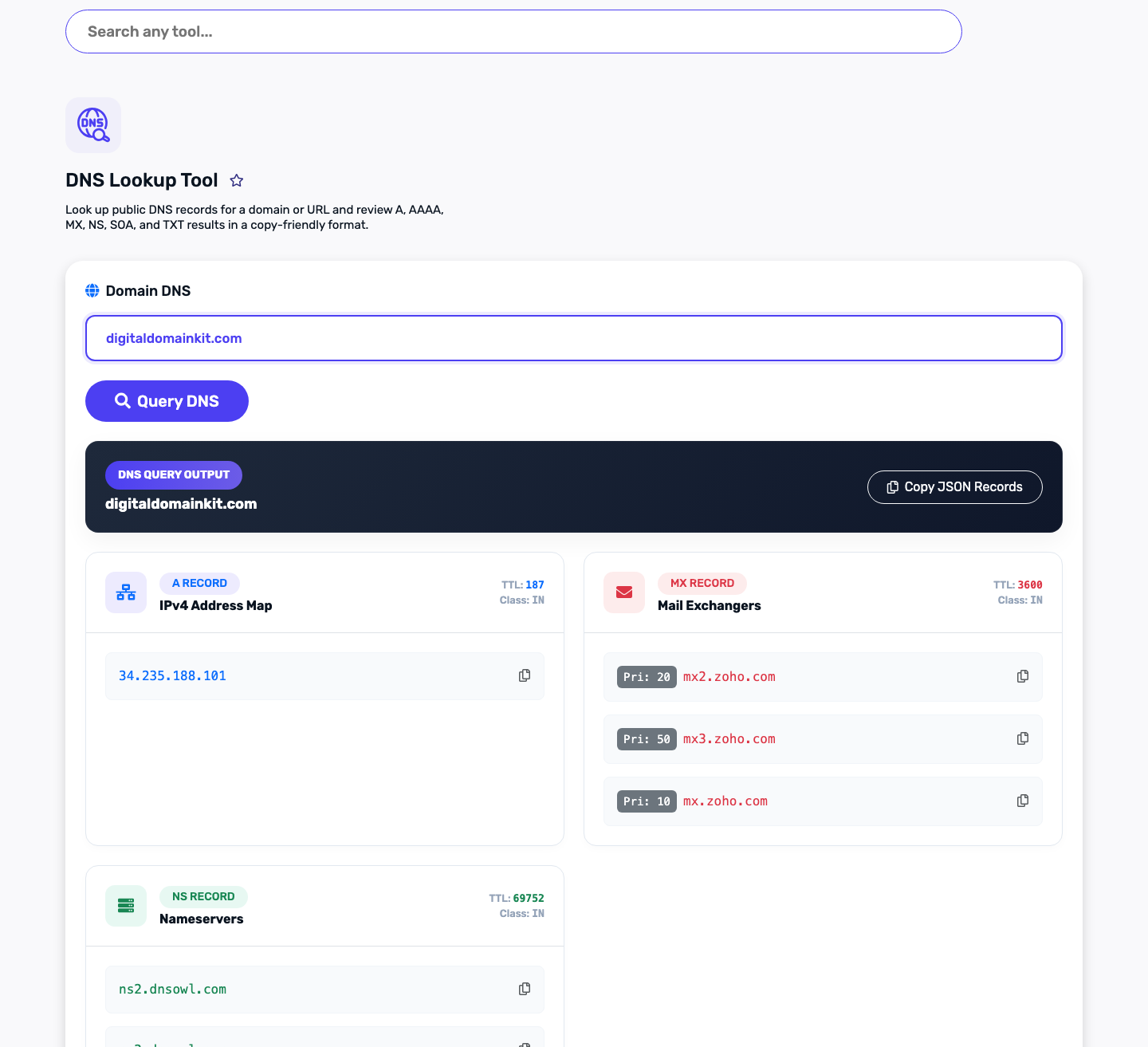
Here is where Digital Domain Kit is useful. It cannot prove ownership or replace your registrar’s dashboard, but it can help you see public DNS answers from outside your logged-in account:
- Run a DNS Lookup for A, CNAME, TXT, and NS records after a change.
- Use MX Lookup before and after connecting business email.
- Run DNS Propagation Check when a record seems correct in the dashboard but has not appeared consistently.
- Check the new public hostname with SSL Checker after the website is live.
- Use Redirect Checker to verify
wwwand non-wwwbehavior.
Do not paste account passwords, API keys, full verification tokens, or private email contents into a public tool. DNS records are public by design; credentials are not.
A tiny DNS example, with the parts that confuse people
Your web host might ask for something like this:
Type: CNAME
Host/Name: www
Target/Value: sites.example-host.com
TTL: provider default
That only means “when someone asks for www.yourdomain.com, send them to the named target.” It does not mean you should delete MX or TXT records. A DNS zone can hold records for a website and email at the same time. The safest habit is to copy the instruction exactly, change only the matching record, then verify it.
Common mistakes worth avoiding
- Buying a name before checking spelling, trademark risk, and how it sounds when spoken.
- Treating a registrar, DNS provider, and web host as the same thing.
- Choosing on a first-year discount while ignoring renewal and transfer details.
- Changing nameservers after email is already working without copying the existing mail records.
- Publishing a second SPF TXT record instead of merging approved senders into the one existing record.
- Enabling DNSSEC while simultaneously moving DNS, then not knowing which change broke resolution.
FAQ
Is the cheapest domain registrar always the best?
Not necessarily. The purchase price is only one part of the decision. Renewal clarity, DNS control, account security, privacy eligibility, and the ability to transfer later are more useful comparison points.
Can I buy a domain from one company and host the website elsewhere?
Yes. The registrar controls the registration; DNS records or nameservers can point visitors to a separate web host. Keep track of which account controls each layer.
Should I use DNSSEC on a new domain?
It can be a good fit when your registrar, DNS host, and extension support it properly. Enable it only after the basic DNS setup is stable, and verify the result. Review your providers’ current instructions first.
What should I check right after registering a domain?
Enable account security, confirm recovery details and renewal settings, record the nameservers, and verify each public DNS change one at a time.